SpeakUp Email Examples
Explore SpeakUp's email marketing campaigns and get inspiration for your own campaigns.
SpeakUp Email Examples & Analysis
✨ Explore New Beta Features ✨
Discover our new beta feature, Trends, which provides deeper insights into a company's email practices. Gain access to detailed analytics and trends to enhance your understanding of email strategies.View SpeakUp TrendsCompany Info:
SpeakUp (getspeakup.com) (private)Company Description:
SpeakUp helps progressive leaders cut through organizational politics and hierarchy to unconver their teams' best creativity and problem solving capability. SpeakUp speeds up decision making by giving employees direct access to management. Closed beta coming end of 2013. www.getspeakup.comIndustry Tags:
Tips for Creating Emails Like SpeakUp
Company's Email Strategy: SpeakUp's email marketing strategy focuses on engaging and inspiring its audience through content that emphasizes communication, personal development, and the power of storytelling. The company aims to create a sense of community and belonging by sharing success stories, offering valuable insights, and encouraging subscriber interaction. Whether through educational content, motivational messages, or success stories, SpeakUp seeks to establish a strong connection with its audience, reinforcing its brand values and encouraging active participation.
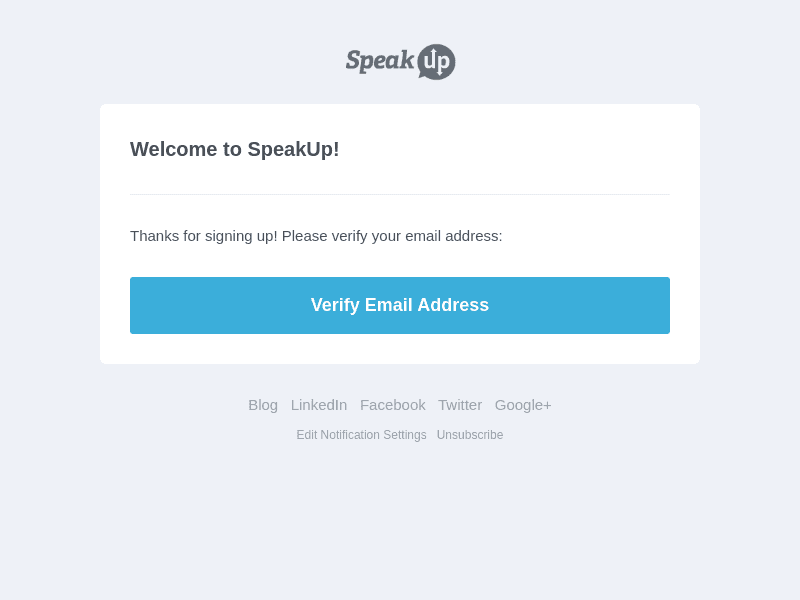
SpeakUp's email style and design reflect a clean, professional look while prioritizing readability and user engagement. The design incorporates brand colors and high-quality images that resonate with the themes of communication and personal growth. By maintaining a balance between visuals and text, the emails ensure subscribers remain intrigued and focused, thus improving the effectiveness of the message.
- Maintain Consistency: Use a consistent color scheme and font style that align with your brand identity.
- Focus on Readability: Ensure that font sizes and layouts enhance readability. Avoid clutter and keep text concise.
- Incorporate High-Quality Images: Use images that complement the text and help convey the message effectively.
- Personalize Content: Tailor messages to the interests and needs of your audience to increase engagement.
- Include Clear Call-to-Actions: Make sure CTA buttons are noticeable and lead the subscriber towards meaningful actions.
- Utilize White Space: Use space effectively to create a clean and professional look, making content easier to digest.
- Engage with Interactive Elements: Incorporate elements like surveys or polls to enhance interaction and gather feedback.
- Proof and Test: Check for errors and test emails on different devices to ensure they're displayed correctly.