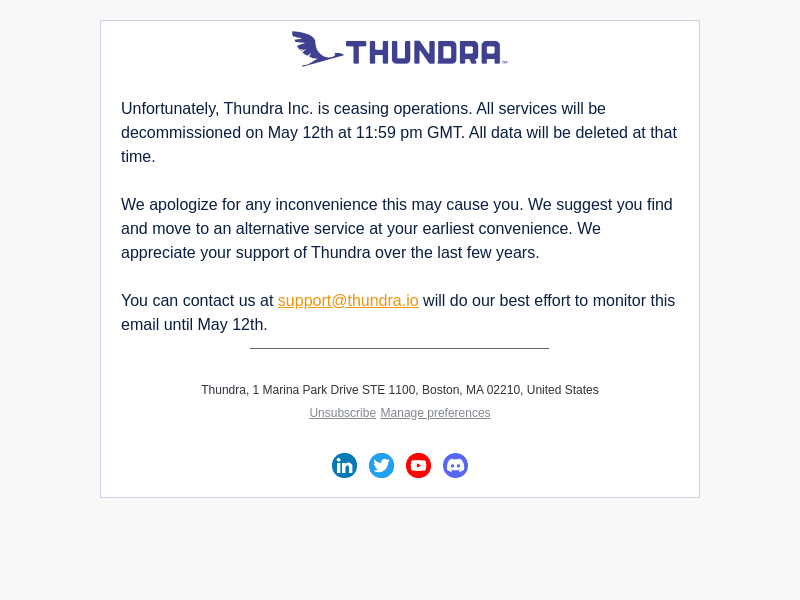
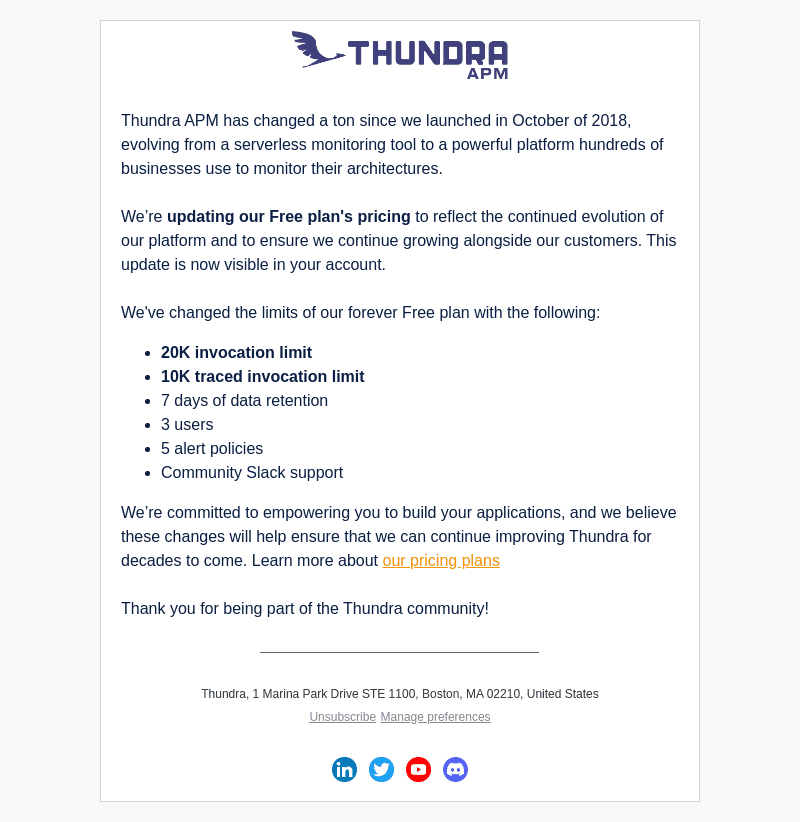
Thundra Email Examples
Explore Thundra's email marketing campaigns and get inspiration for your own campaigns.
Thundra Email Examples & Analysis
✨ Explore New Beta Features ✨
Discover our new beta feature, Trends, which provides deeper insights into a company's email practices. Gain access to detailed analytics and trends to enhance your understanding of email strategies.View Thundra TrendsCompany Info:
Catchpoint (private)Company Description:
Catchpoint is the Internet Resilience Company. The top online retailers, Global2000, CDNs, cloud service providers, and xSPs in the world rely on Catchpoint to increase their resilience by catching any issues in the internet stack before they impact your business. The Catchpoint platform offers synthetics, RUM, performance optimization, high fidelity data and flexible visualizations with advanced analytics. It leverages thousands of vantage points (including inside wireless networks, BGP, backbone, last mile, endpoint, enterprise, ISPs and more) to provide unparalleled observability into anything that impacts your customers, workforce, networks, website performance, applications, and APIs.Industry Tags:
Tips for Creating Emails Like Thundra
Company's Email strategy focuses on providing valuable insights and engaging content to capture the attention of its audience. By consistently delivering content that resonates with the interests and needs of its subscribers, the company ensures that their emails are not just about promotion but also about educating and informing. This approach helps in building trust and a strong relationship with their audience, leading to higher engagement rates and customer loyalty.
The company's email style and design is both aesthetically pleasing and functional, ensuring that emails are not only visually appealing but also easy to navigate. They make use of bold imagery, concise messaging, and strategically placed call-to-actions to captivate and guide the reader effectively. The use of consistent branding elements ensures that the emails are easily recognizable and maintain a professional look.
- Consistent Branding: Ensure every email looks and feels like your brand with consistent colors, fonts, and logos.
- Clear Call-to-Actions: Use eye-catching buttons or links that guide the reader towards the desired action.
- Engaging Imagery: Incorporate high-quality images that complement the content and create visual interest.
- Concise Messaging: Keep your message short and to the point to maintain the reader's attention.
- Responsive Design: Design emails that look great on all devices, from desktops to smartphones.
- Personalization: Use data to personalize emails for a more relevant and engaging experience.
- Informative Content: Provide value by including educational or insightful content relevant to your audience.
- Testing and Optimization: Regularly test different elements of your email (subject lines, images, CTAs) for continuous improvement.