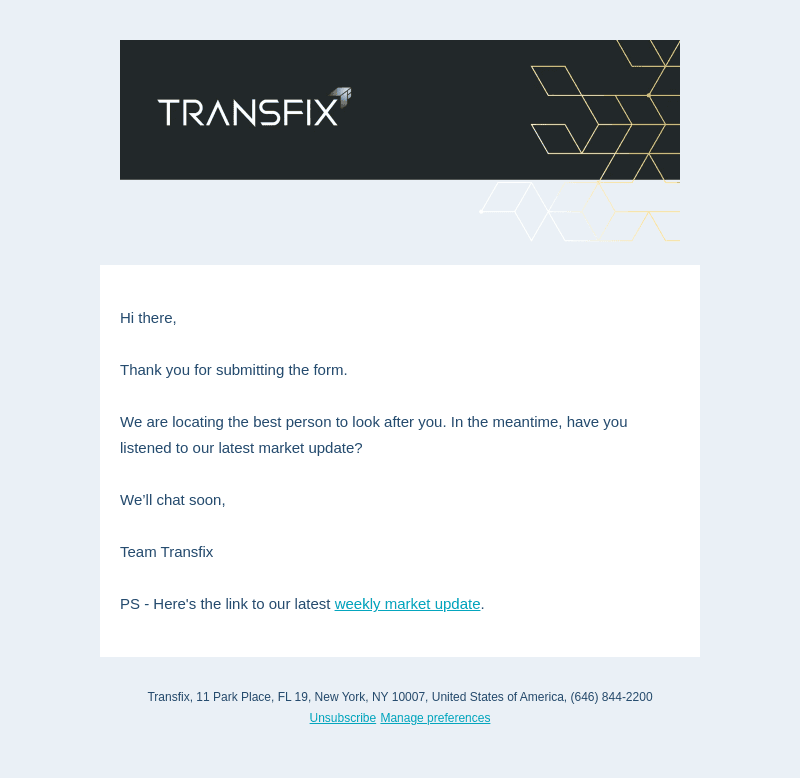
Transfix Email Examples
Explore Transfix's email marketing campaigns and get inspiration for your own campaigns.
Transfix Email Examples & Analysis
✨ Explore New Beta Features ✨
Discover our new beta feature, Trends, which provides deeper insights into a company's email practices. Gain access to detailed analytics and trends to enhance your understanding of email strategies.View Transfix TrendsCompany Info:
Transfix (private)Company Description:
Introducing the next chapter of Transfix – powerful, next-gen software and data solutions designed to unlock opportunities across the lifecycle of a load. Our goal? Decreasing processing cost & time and increasing profitability for brokers, shippers, and carriers.Industry Tags:
Tips for Creating Emails Like Transfix
Company's Email strategy revolves around engaging and informative content tailored for their audience. They emphasize a personalized approach, ensuring that each email resonates with the reader by addressing their specific needs and preferences. The emails are designed to build a strong brand relationship, showcasing trustworthiness and expertise in their field. Regular communication is maintained to keep the audience updated on the company’s latest services, offers, and industry insights, fostering a sense of community and loyalty among recipients.
Transfix's email style and design focus on clarity, professionalism, and visual appeal. They utilize clean and straightforward layouts that enhance readability and facilitate a pleasant user experience. The design incorporates a harmonious color scheme and high-quality imagery that aligns with the brand identity. Call-to-action buttons are strategically placed to guide recipients toward desired actions while ensuring the emails are mobile-responsive for a broader reach.
- Keep it concise: Ensure that your content is straightforward and to the point for quick comprehension.
- Maintain visual consistency: Use brand colors and fonts to create a cohesive look across all emails.
- Incorporate clear CTAs: Place call-to-action buttons prominently to guide the reader to take the next step.
- Engage with quality images: Use high-resolution images relevant to the message to capture attention.
- Personalize content: Address the recipient by name and tailor the content to their interests.
- Optimize for mobile: Design emails that are easily readable and functional on mobile devices.
- Test before sending: Check emails for layout and functionality issues on different devices and email clients before distribution.
- Utilize white space: Space out elements correctly to enhance readability and provide a clutter-free experience.