WorkSpan Email Examples
Explore WorkSpan's email marketing campaigns and get inspiration for your own campaigns.
✨ Explore New Beta Features ✨
Discover our new beta feature, Trends, which provides deeper insights into a company's email practices. Gain access to detailed analytics and trends to enhance your understanding of email strategies.View WorkSpan TrendsCompany Info:
WorkSpan (private)Company Description:
WorkSpan is the #1 co-sell management network that empowers companies to turbocharge and scale their co-sell revenue growth. Partnership and Sales teams use WorkSpan’s secure SaaS solution to collaborate with partners on deals, exchange co-sell referrals from inside their CRM, manage shared pipeline, and track performance on a live dashboard. As the industry’s leader in Ecosystem Business Management, we power the top 10 business ecosystems in the technology and communications industry today, managing over $50 billion in joint pipeline, 6x faster speed to market for joint solutions, and 2x partner manager productivity. Customers include Microsoft, Cisco, SAP, VMware, HPE, Accenture, Ericsson, Citrix, Red Hat, and others.Industry Tags:
Tips for Creating Emails Like WorkSpan
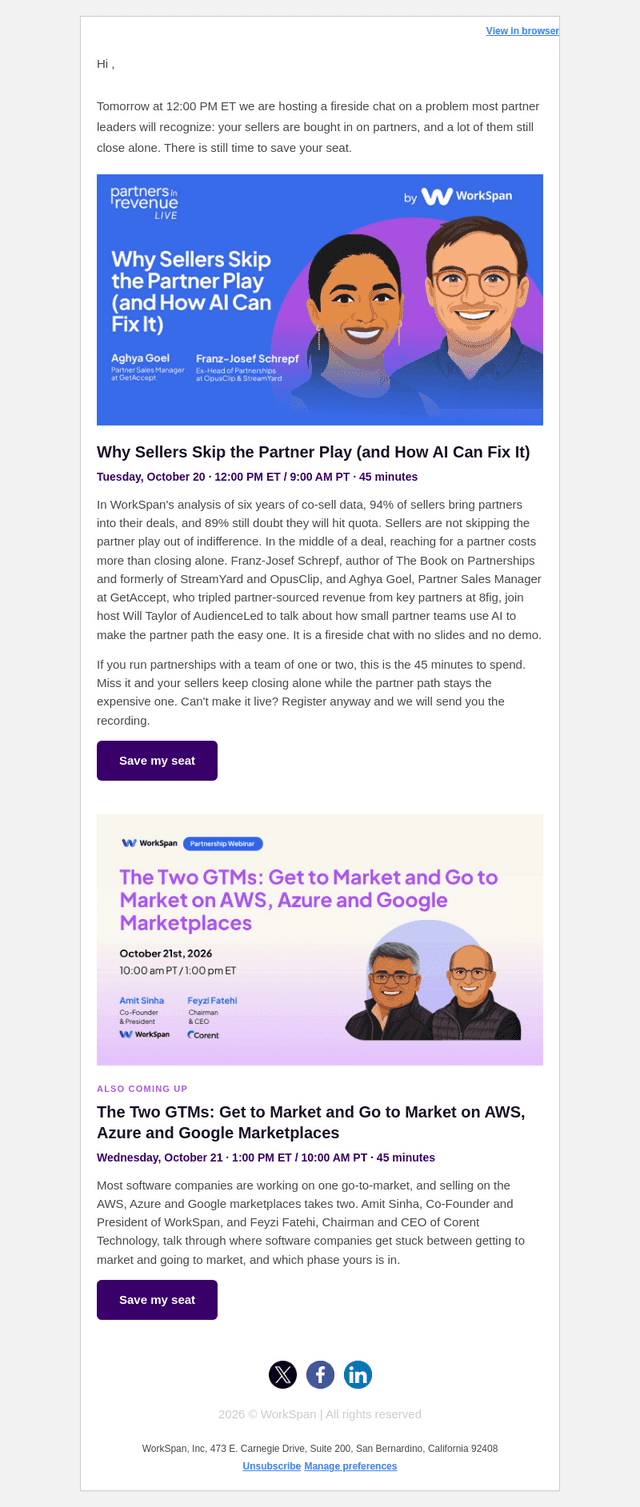
Company's Email strategy at WorkSpan focuses on engaging the audience through informative and concise content tailored to their needs. They emphasize themes such as collaboration, innovation, and partnership. Each email delivers value by addressing the common challenges businesses face and providing actionable solutions. The call-to-action is clear and encourages further engagement, whether through attending webinars, downloading resources, or signing up for exclusive content. This approach ensures the audience sees WorkSpan as a valuable partner in their professional journey.
The company's email style and design are clean, professional, and visually appealing. They effectively use whitespace to make the content easy to read and digest. Their choice of typography and color scheme reflects their brand identity and enhances the overall readability. Images are strategically used to complement the text, adding a touch of creativity without overwhelming the message. The layout is consistent, ensuring that the audience knows what to expect in each email while keeping it fresh and engaging.
- Keep it clean and concise: Use a straightforward and uncluttered layout to make the email content easily digestible.
- Use whitespace effectively: Allow for breathing room around text and images to improve readability.
- Consistent branding: Ensure that your choice of fonts, colors, and images aligns with your brand identity.
- Strategic use of images: Include images that enhance the message without distracting from the text.
- Clear call-to-action: Ensure your CTA is prominently placed and easy to understand.
- Responsive design: Make sure emails look good on all devices and screen sizes.
- Personalization: Tailor emails to the recipient's needs and preferences to increase engagement.
- Engage with valuable content: Provide actionable insights and solutions to common challenges your audience faces.