Logistics & Supply Chain Countdown Timers Email Examples
Browse real Logistics & Supply Chain Countdown Timers emails with proven strategies.
Discover, Analyze, and Learn from the World's Best Email Marketing
Explore and analyze the most effective email marketing campaigns from leading brands. Learn what works and elevate your email strategy.
Logistics & Supply Chain Countdown Timers Email Examples
 More Filters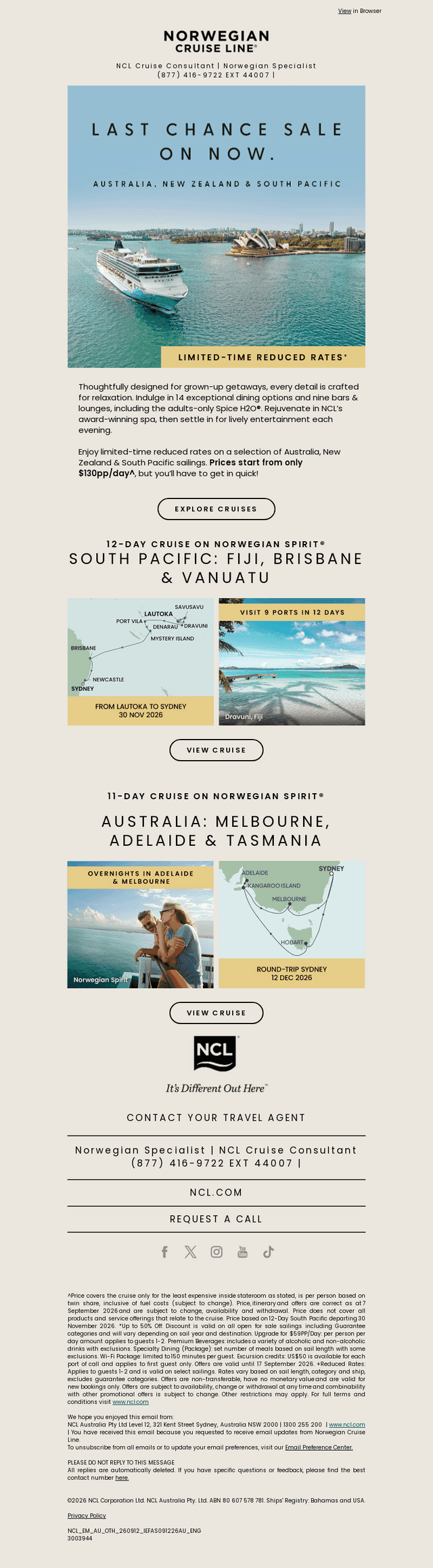




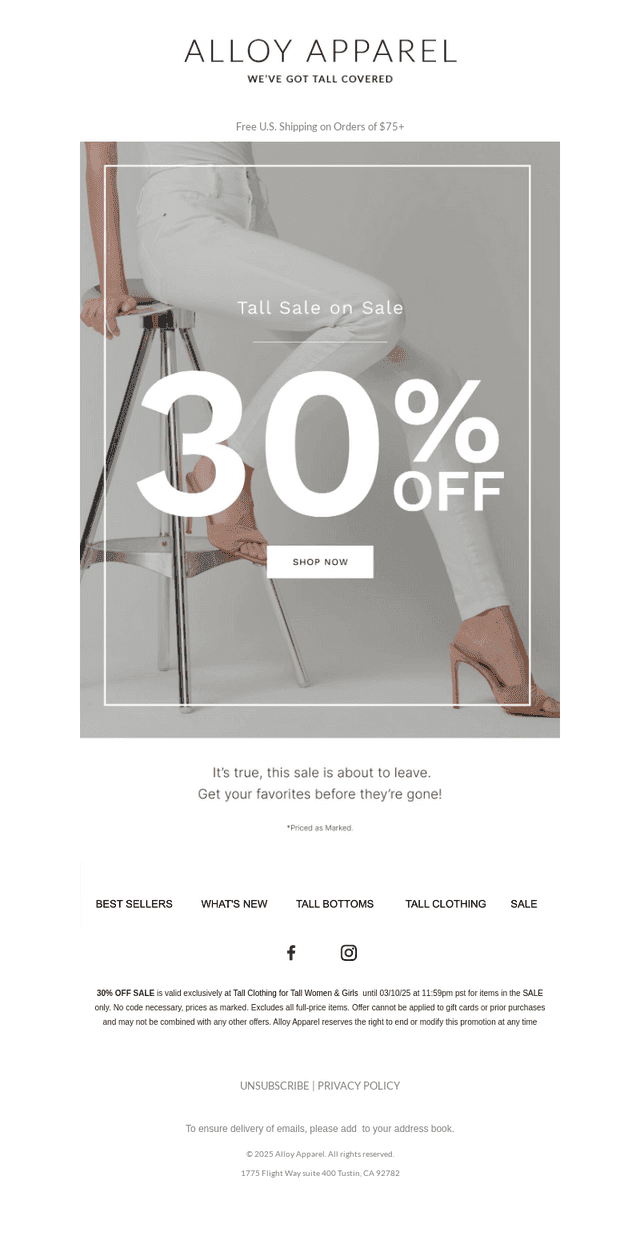

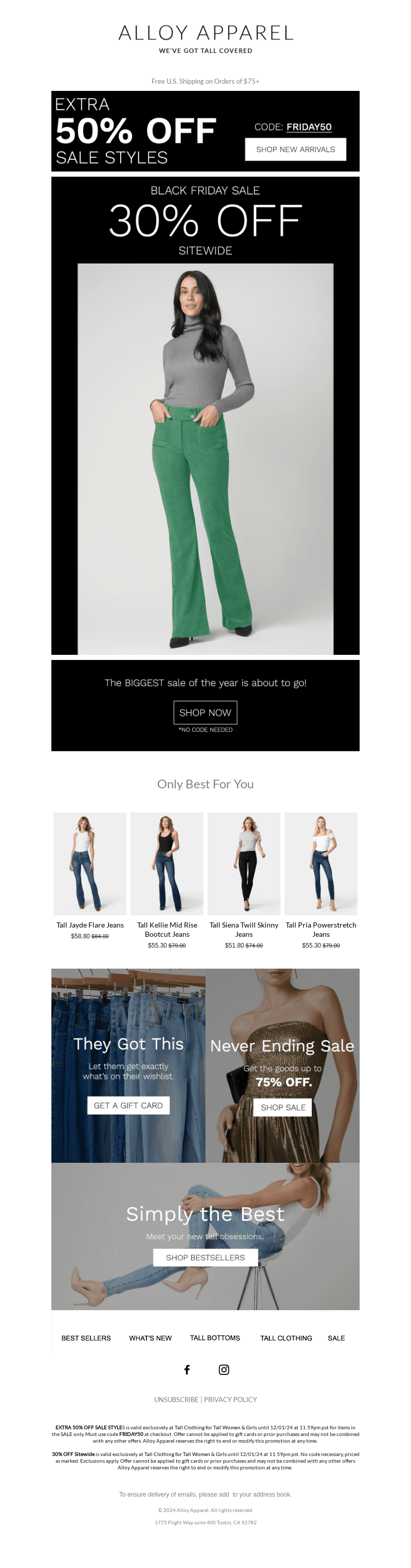
Logistics & Supply Chain Countdown Timers Email Examples, Trends & Stats
We've analyzed millions of email examples from thousands of brands worldwide to identify key trends and stats for email examples across the Internet.
Tips for Creating Outstanding Logistics & Supply Chain Countdown Timers Emails
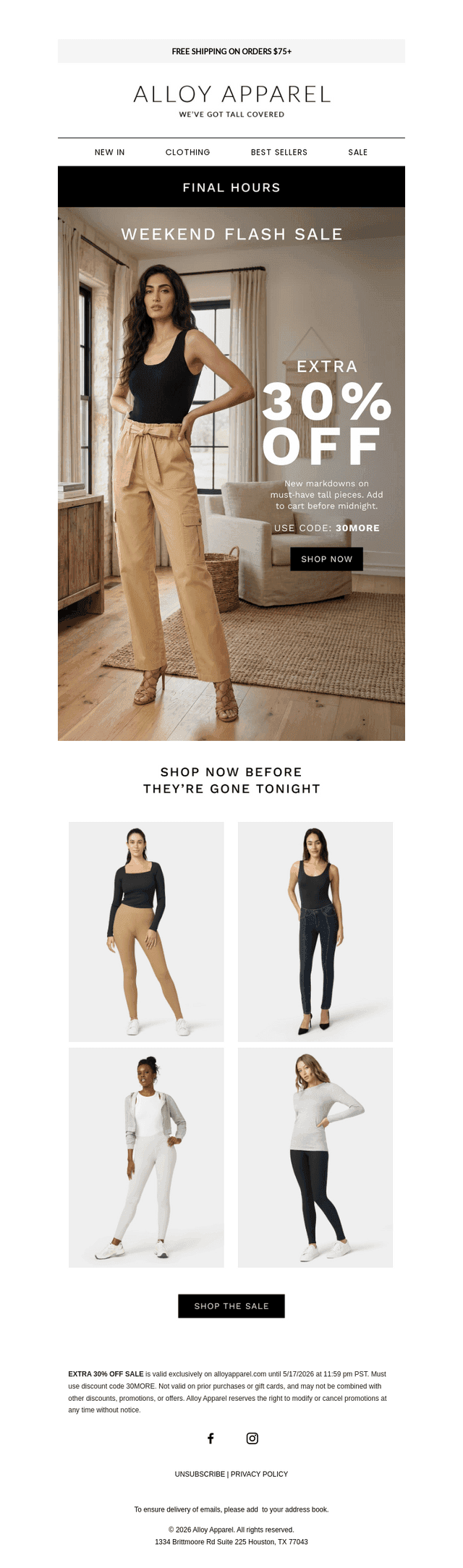
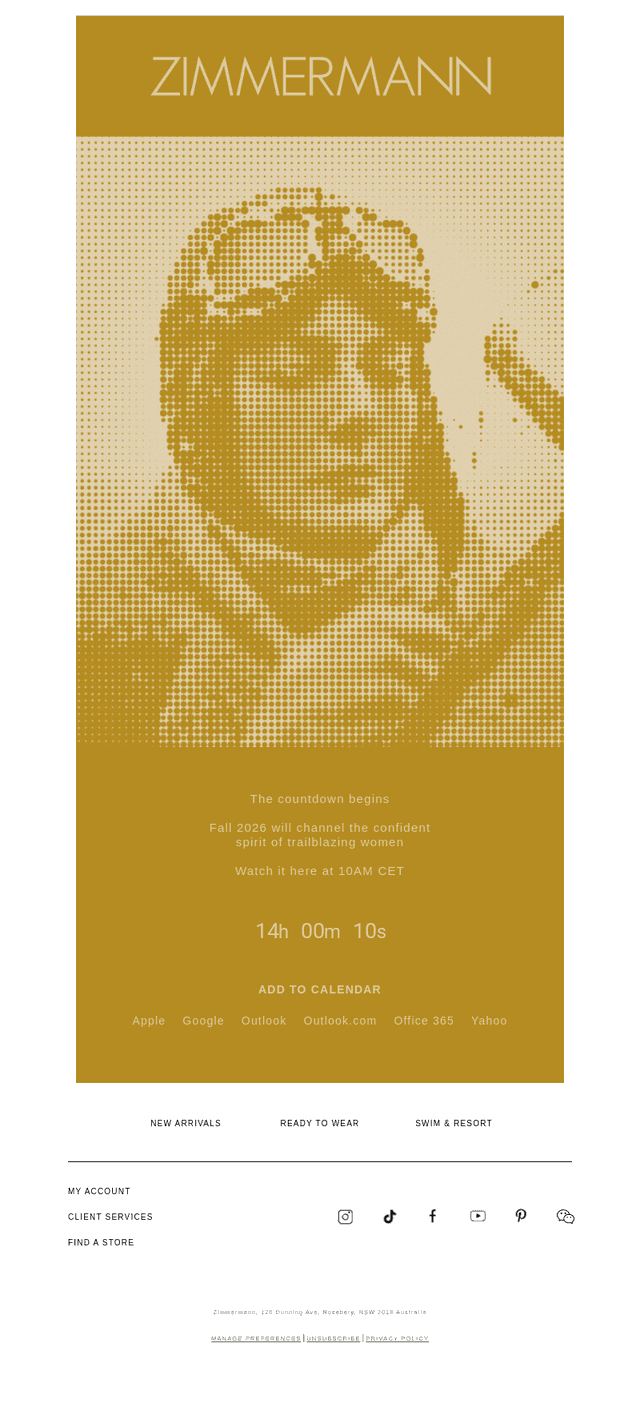
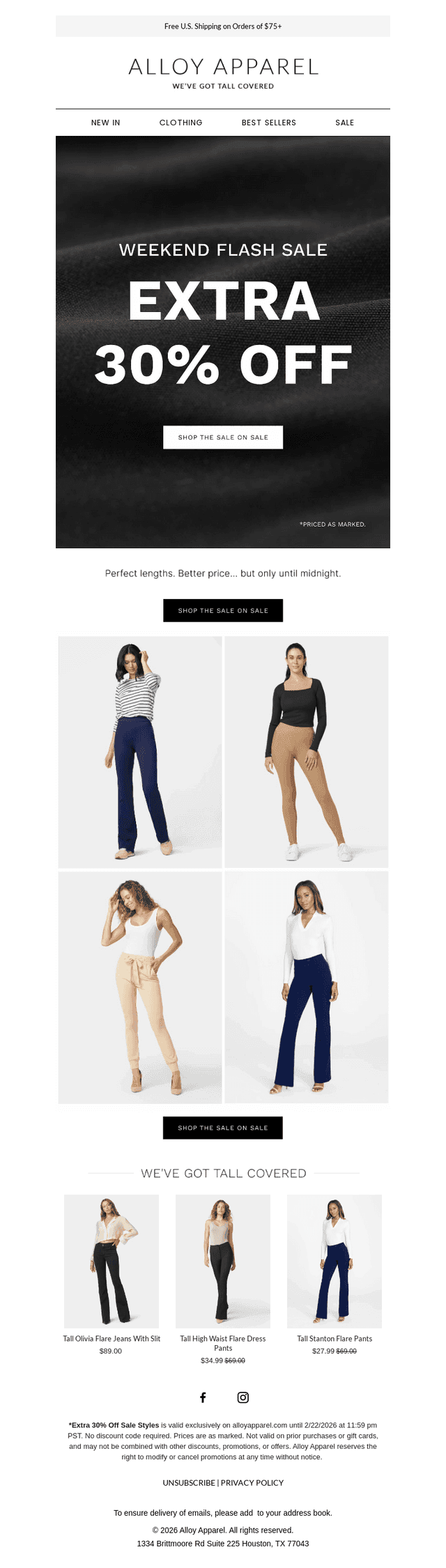
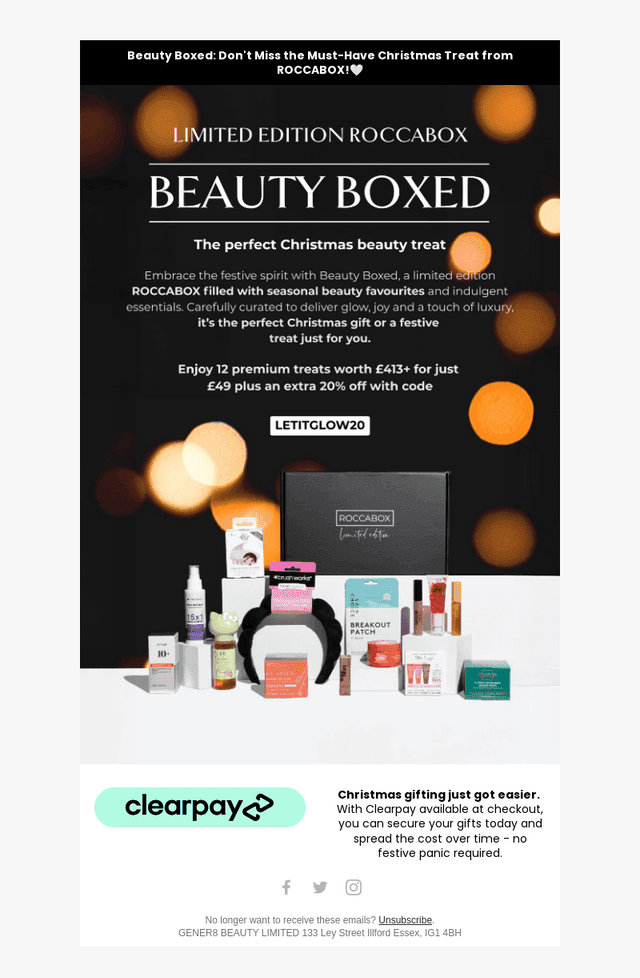
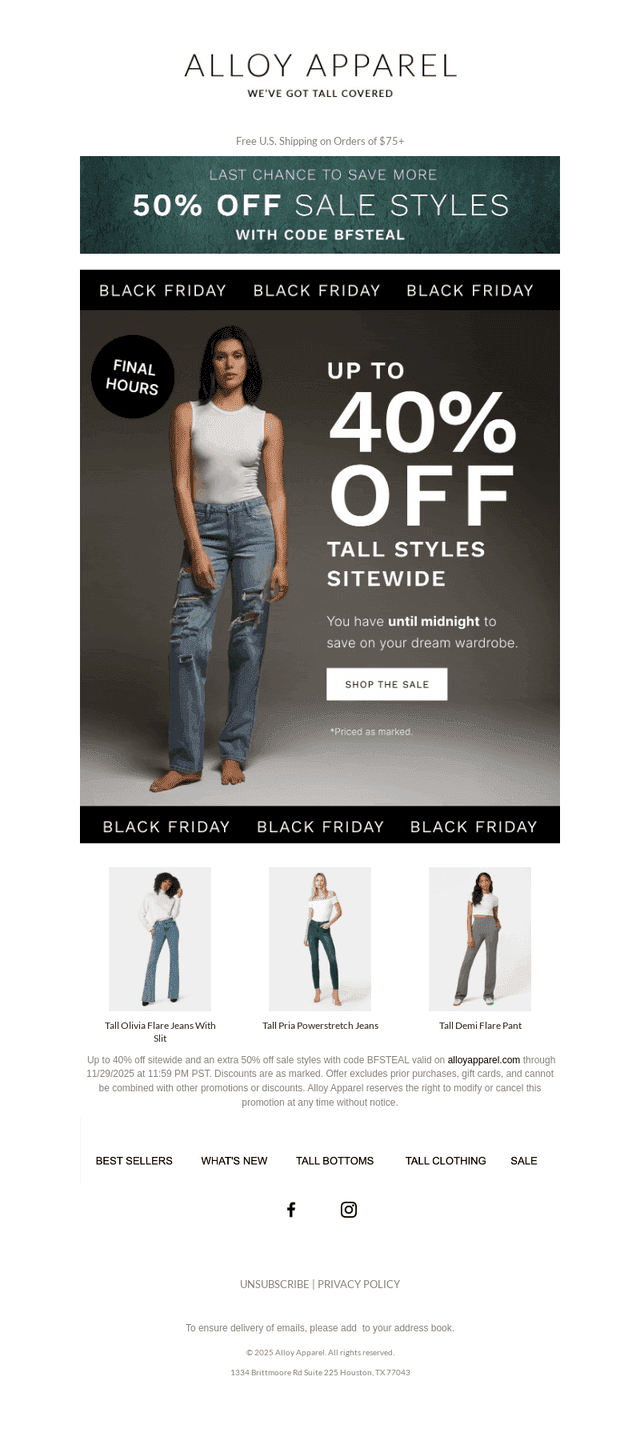
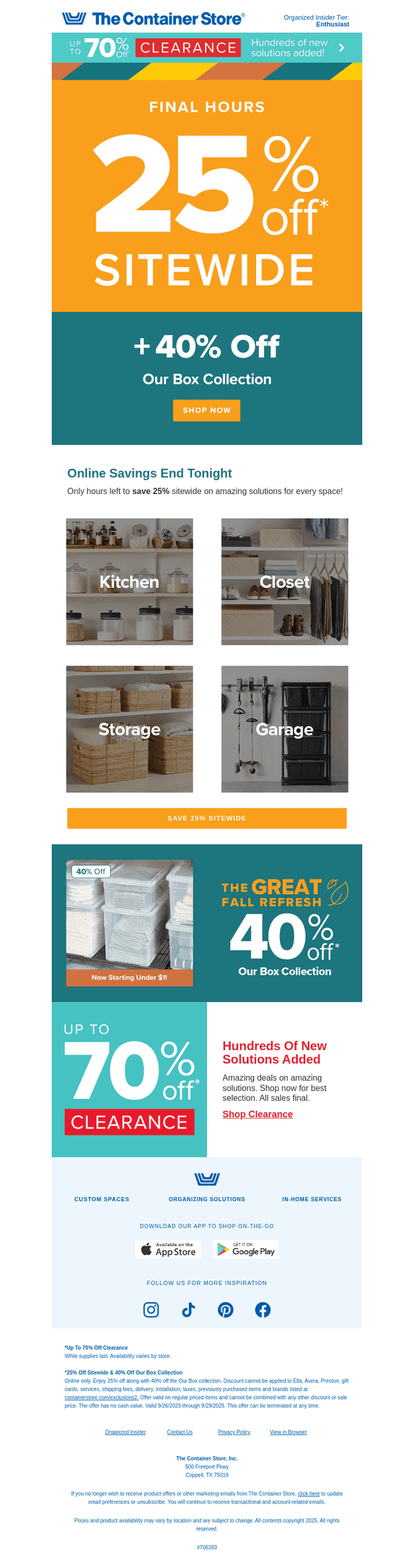
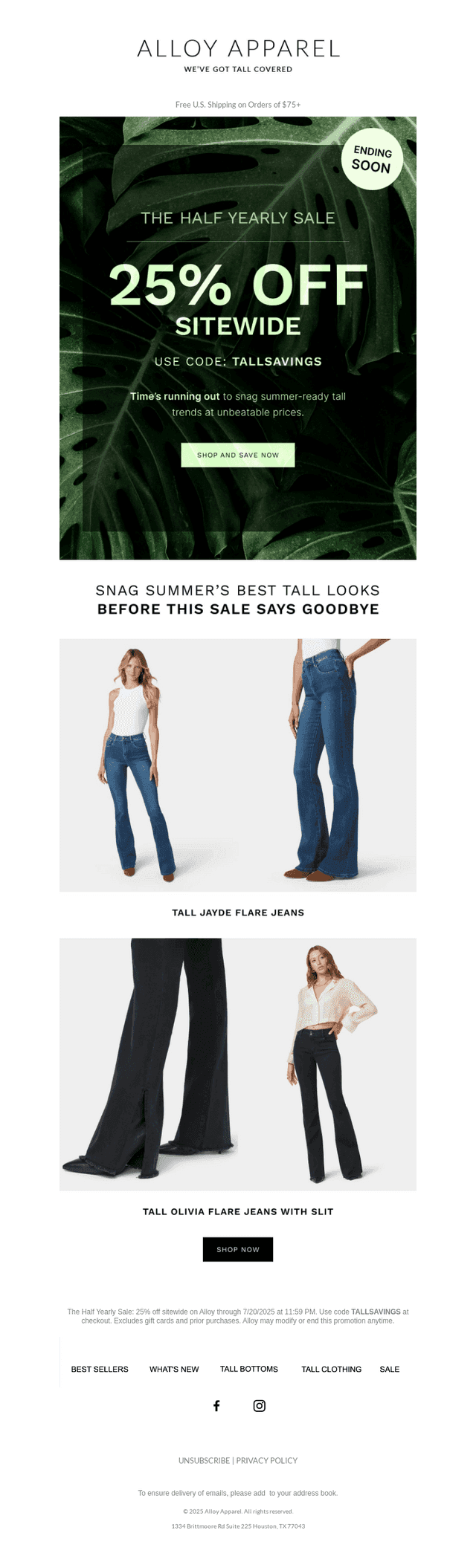
Logistics countdown-timer emails effectively create anticipation and urgency for upcoming events, leveraging time-sensitive information to engage recipients. These emails often highlight specific events like webinars or sales, urging readers to take prompt action. The visual appeal through images and the strategic use of countdown timers enhances engagement significantly.
- Create Urgency: Use countdown timers to instill a sense of urgency and prompt immediate action from recipients.
- Highlight Key Events: Focus on specific logistics events like webinars or special offers to captivate audience interest.
- Visual Appeal: Incorporate eye-catching images relevant to your message to maintain reader attention.
- Clear Call to Action: Ensure that your call to action is unmistakable and easy to locate.
- Concise Subject Lines: Keep subject lines brief yet informative to stand out in crowded inboxes.
- Consistency in Branding: Align email design and content with your brand identity for a cohesive message.
- Mobile Optimization: Design emails with mobile users in mind, ensuring accessibility across devices.
- Personalize Content: Tailor emails to different segments of your audience for greater impact.
Logistics & Supply Chain Countdown Timers Email Examples - Copy Analysis
Logistics countdown-timer emails showcase an impressive balance of brief, impactful messaging and engaging visuals. The average subject line contains 6 words, with a character count averaging at 34 characters. While a small percentage include emojis to draw attention, it's used sparingly to maintain professionalism. Analyzing the email body, the median word count is approximately 120 words per email, ensuring content is informative while remaining digestible. On average, emails feature around 5 images, enhancing the visual narrative and supporting key messages.
Subject Line
Subject Line
Included Emojis
Body Word Count
in Email Body
Emails Analyzed
Word Cloud
From Inspiration To Creation
Valuable email tools for product managers, email designers, and marketing professionals.

Collaborate
Take notes upon saving so you'll never forget the context in the future.

Save Time
Generate email thumbnails, PPTX, PDFs, and annotated reports.

Discover!
The world's largest searchable database of emails.

Save
Collect your favorite designs and upload your own emails into one place.

Share
Download designs you like, share with your team and generate PPTX and PDF files.

Collect
Send in email workflows and sequences from your email service provider.
Unlock Endless Email Design Possibilities
Break through creative blocks and stay ahead of the competition with our vast library of real-world email designs.
Trending Email Designs and Layouts
Discover the latest email design trends from top brands across industries to inspire your next campaign.
Insights From Top Brands And Industries
Learn what works for leading companies and apply their successful strategies to your email marketing.
Continuous Inspiration For Your Next Campaign
Never run out of creative ideas with our constantly updated library of email design examples.
Never Run Out Of Inspiration Again
Track the top brands across all industries to find your next campaign idea

Footer Navigation
© 2025 All rights reserved.
Complete Email Examples Directory
Browse our complete collection of email examples organized by business type, industry, email type and format.